How to keep criminals out of your computer. Recently, a laptop with thousands of Veterans’ social security numbers and other personal data was stolen from an employee’s house. When personal data is stolen there is not much users can do about it, except to keep an eye in their accounts to make sure no unapproved use of bank accounts or social security numbers is happening. But when you use your own computer, you can protect yourself from giving away your personal information unintentionally.
Roger Alexander, associate professor at
“When you buy things online, the information you enter is saved temporarily in your machine,” Alexander said. “Software installed in your computer without your knowledge can capture that information and later sell it for illegal use.”
To avoid problems, Alexander recommended several safety tips:
– Send your personal information encrypted. There are services available to help you install necessary software to encrypt messages.
– Do not store data such as bank accounts or social security numbers in your computer (or if you do, make sure they are encrypted).
– When buying online, do not share credit card numbers or other information with people out of the
– Never use a primary account or card. Have a secondary bank account with enough money to cover your online transactions. If your account number was stolen, this will limit the damage done to your savings.
– Use PayPal accounts for security when paying for transactions online. Most business will accept PayPal and it is a free service for the buyer. Remember, however, that your PayPal password has to be safe too, because like a bank account, it can be misused.
– Do not share your personal information with anybody you do not know either over the phone or internet.
– Be aware that information sent in the body of an e-mail message is not secure (unless encrypted). Do not write social security numbers or other information in an e-mail. Apply the same measures for instant messaging.
– Do not open attachments or links from e-mail from organizations saying that your account has been compromised, even when the organization’s name is your own bank or the I.R.S. Instead, contact directly the organization and let them know about the message. In many instances they will ask you to forward them the message to help them track down illegal use of their name.
Alexander can be reached at (509) 335-0922 or rta@eecs.wsu.edu.
Next Story

WSU Global Campus student ambassador shines during #CougsGive Day
Aunjelique Andersen, a fully online student pursuing her degree in Media Innovation, ranked first on the #CougsGive Ambassador Leaderboard, inspiring 54 gifts through her outreach.
Recent News

WSU SURCA undergraduate researchers earn 65 awards
Seventy‑three students who participated in the Showcase for Undergraduate Research and Creative Activities 2026 were awarded prizes totaling $14,000.
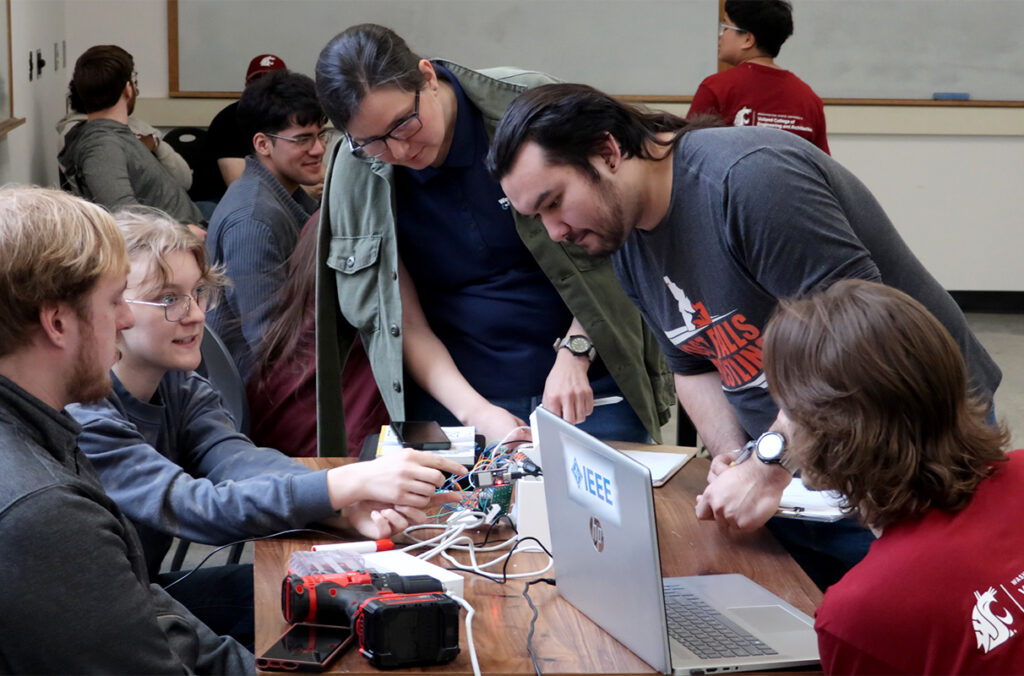
Inside WSU’s student-run hackathons
Hackathons have become a defining space for student innovation, with two taking center stage this year.
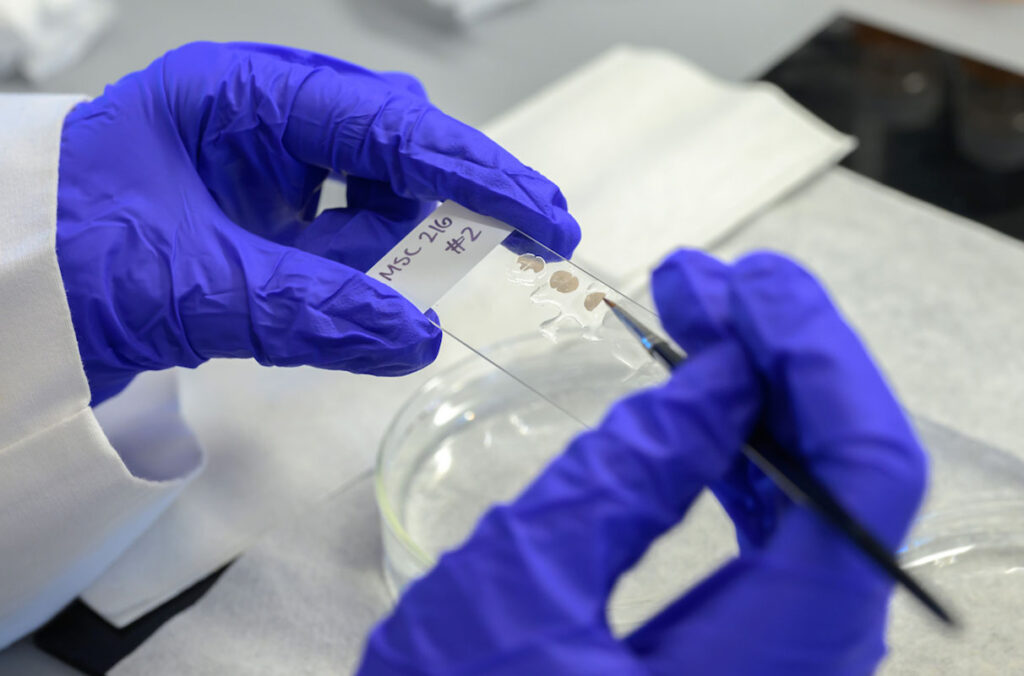
Undergrad researchers drive discovery in the College of Veterinary Medicine
Hands‑on research opportunities in the college are enabling students to contribute directly to major discoveries, including a recent Nature study.

New WSU raspberry breeder to continue career goal of helping farmers
Germán Sandoya-Miranda aims to develop improved varieties and work closely with growers to help Washington farmers boost yields and adapt to evolving challenges.

WSU Regent, longtime civic leader Sam Hunt dies following battle with leukemia
Hunt, a 1967 WSU graduate, devoted more than five decades to public service, education, and civic leadership across Washington.
WSU recognized for support of first-generation students
The university’s elevation to FirstGen Forward Network Champion reflects growing enrollment, improved retention, and expanded support programs helping first-generation students succeed.